MasterTrackPro
Mix.
Master. Ship.
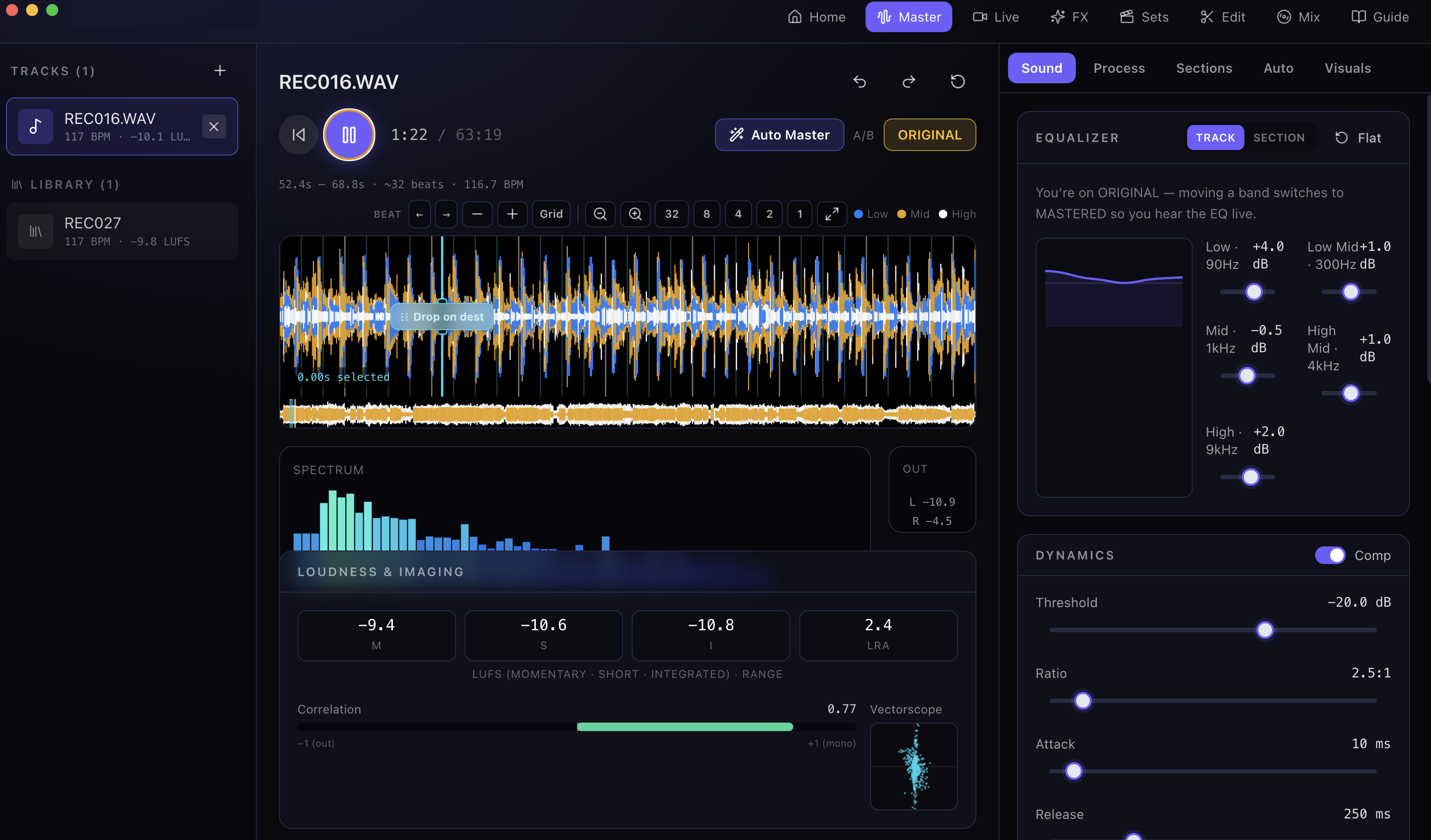
A focused desktop studio for songs, DJ sets, and the night’s playlist — loudness, EQ, edits, and export in one place.
Read this before you open it
MasterTrackPro isn’t signed with an Apple Developer certificate yet, so macOS quarantines it after download and refuses to launch it — usually with “the app is damaged and can’t be opened”. It isn’t damaged. Clear the quarantine flag and it runs normally.
- Open the downloaded
.dmgand drag MasterTrackPro into Applications. - Open Terminal and run:
xattr -dr com.apple.quarantine /Applications/MasterTrackPro.app
- Launch MasterTrackPro from Applications. You only do this once.
Create Mix
The set for the night, built in one pass.
Pull songs, line up the order, and render a continuous mix with beat-aware transitions — made for people hosting, not just people producing.
Weddings, birthdays, house parties, after-parties: Create Mix is for the friend who always ends up on aux. Sketch the vibe (progressive house, club cuts, English floor-fillers), stack the tracks, and ship a file that plays through the whole night without dead air between songs.
You still get the mastering side of MasterTrackPro when a single track needs to hit loud and clean. Create Mix sits beside that — less studio ritual, more “doors open in an hour.”